
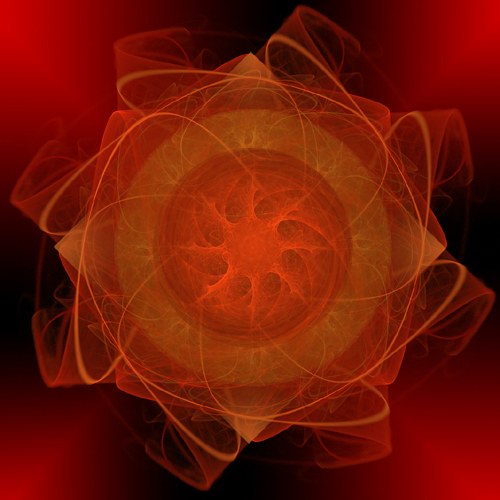
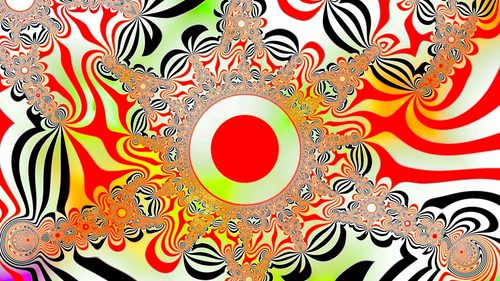
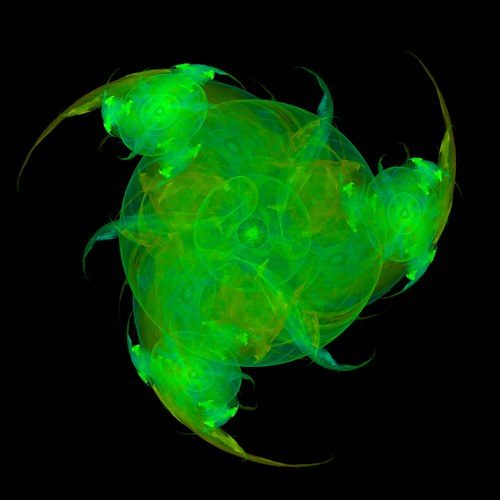
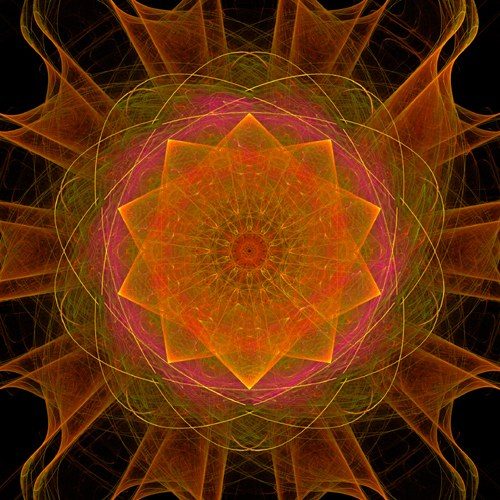
Digital art is any visual artwork created, manipulated, or presented primarily through computer hardware and software rather than physical materials. Where a painter mixes pigment on canvas, a digital artist builds an image out of pixels or vector points, working in stacked, editable layers instead of a single irreversible surface. That structural difference is what defines the medium: nothing is fixed until the artist flattens or exports it, so brushstrokes, colors, and even whole compositions can be undone, revised, or duplicated endlessly. Digital art spans a wide territory — raster painting that mimics oil or gouache, vector illustration built from clean mathematical curves, pixel art constructed grid-cell by grid-cell, 3D-rendered scenes, and more recently, images produced or assisted by generative AI models. What unites all of it is the underlying substrate: a file, not a physical object, that can be resized, copied, printed, or displayed on a screen without ever touching a brush to a surface. Its output can end as a print, an animation frame, a game asset, or a purely screen-native piece.
What defines the medium
Built in Layers
Nearly every digital image is assembled from stacked, independently editable layers — background, midground, linework, color, effects — that can be reordered, hidden, or adjusted without touching the rest of the piece, a structural freedom no physical medium offers.
Pixels or Vectors
Every digital image is built from one of two systems: raster grids of colored pixels that lose sharpness when enlarged, or vector paths defined by mathematical curves that scale to any size without blurring or degrading.
Non-Destructive Editing
Because changes live in layers and history states rather than on a fixed surface, an artist can undo dozens of steps, swap a color scheme entirely, or restore an earlier version — mistakes are reversible in a way paint or ink never allow.
Infinite, Exact Color
Digital color is chosen numerically — RGB or hex values reproduced identically every time — so an artist can match a color exactly across a piece, sample it from a photograph, or generate smooth gradients no hand-mixed pigment can replicate.
Resolution Defines the Canvas
A digital piece exists as a grid of pixels at a set resolution, so its intended output — a phone wallpaper, a gallery print, a game texture — determines how large the file must be built to stay crisp.
Made to Be Duplicated
Unlike a painting or sculpture, a digital file has no single original — it can be copied, shared, printed at any scale, or exported into countless formats simultaneously, which reshapes questions of ownership, editions, and authenticity for the medium.
Materials decoder
The toolkit of digital art
- graphics tablet & stylus
- → a pressure-sensitive surface and pen that let a hand-drawn gesture translate into digital line weight and opacity.
- layers panel
- → the stacked list of editable levels that makes non-destructive painting and compositing possible.
- brush engine
- → software-simulated bristles, textures, and blending behavior that stand in for physical media like ink or oil.
- pen/vector tool
- → draws precise, scalable paths and curves used for clean illustration, logos, and typography.
- RGB color picker
- → selects color by exact numeric value so hues can be matched or reproduced perfectly across a piece.
- clipping mask
- → confines color or texture to the shape of the layer below it, a core trick for shading inside linework.
- pixel grid
- → the individual square units an image is built from, visible up close in pixel art and raster files.
- display calibration
- → ensures the color an artist sees on screen matches what a printer or another display will show.
The story
Digital art's roots reach back to the 1960s, when computer scientists and engineers used plotters and mainframes to generate geometric patterns, among the earliest recognized computer-generated images. In the 1970s and 80s, pioneers like Harold Cohen built AARON, a program that autonomously produced drawings, while consumer tools such as MacPaint (1984) and Deluxe Paint brought pixel-based creation to home computers. The 1990s saw Adobe Photoshop standardize layer-based raster editing, and by the 2000s, pressure-sensitive tablets made digital painting feel closer to traditional brushwork, fueling communities on early art-sharing sites. The 2010s brought portable painting apps and powerful mobile hardware, putting professional-grade tools in millions of hands. Around 2021, blockchain-based NFTs briefly pushed digital art into mainstream headlines and auction houses, most famously with Beeple's record-setting sale. Since then, generative AI models have opened a new, fast-evolving chapter, raising fresh questions about authorship and craft even as the medium's underlying logic — image as editable file — remains the same.
Masterpieces of the medium
| Work | Artist | Date | Why it matters |
|---|---|---|---|
| Everydays: The First 5000 Days | Beeple | 2021 | a digital collage of 5,000 daily images that sold at Christie's for $69 million, thrusting digital art and NFTs into the mainstream. |
| CryptoPunks | Larva Labs | 2017 | 10,000 algorithmically generated pixel-art characters that became an early template for generative, collectible digital art. |
| Electronic Superhighway | Nam June Paik | 1995 | a room-sized map of the United States built from video monitors and neon, a landmark of screen-based art. |
| Super Mario Clouds | Cory Arcangel | 2002 | a hacked game cartridge stripped down to drifting clouds, an early landmark of hardware-based digital art. |
| AARON drawings | Harold Cohen | 1973–2016 | an ongoing series produced by one of the first autonomous drawing programs, a foundational experiment in generative art. |
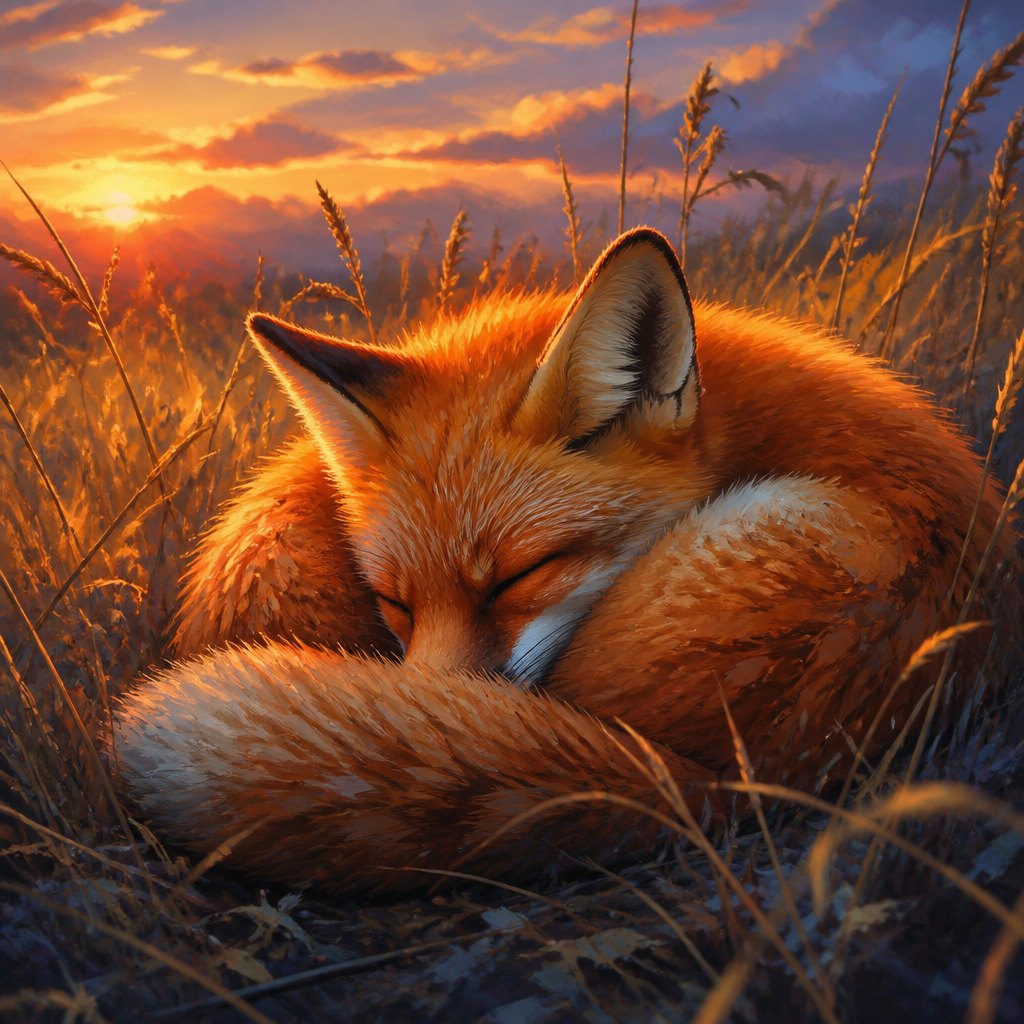 AI-generated
Try the medium
Try digital art with AI
This example was generated from a prompt like: “A close-up digital painting of a red fox curled asleep in tall golden grass at sunset, soft rim lighting, painterly brushwork, warm-to-cool color gradient, visible layered textures, clean composition, high detail, illustrative style.”
Open the Digital Painting Art Style generator →The medium today
Today digital art is the default medium for illustration, concept design, game and film assets, and social-media-native artwork, made mostly on tablets and iPads with software like brush-based painting apps. Generative AI tools have added a fast, prompt-driven branch of the medium that sits alongside hand-painted work, sparking ongoing debate about authorship and craft. NFT speculation has cooled from its 2021 peak, but digital ownership and collecting persist in smaller, steadier markets. Portfolios now live primarily online, on platforms built for browsing, critique, and commission work rather than gallery walls.
Compose your own
Start with a clear reference or mental image, then block in the composition using large, simple shapes on a low-opacity sketch layer before adding any detail. Establish values first — where light and shadow fall — since color reads correctly only once the tonal structure works. Build the piece in separate layers for background, subject, and effects so each element stays adjustable. Add color on its own layer set to a blending mode, then refine edges, add texture, and push contrast where the eye should land. Keep the file at a resolution suited to its final use, whether that is a small social post or a large print. Save incremental versions so earlier stages remain recoverable if a change does not work.
Frequently asked questions
Is digital art considered real art?
Yes — the tool doesn't change whether a piece involved skill, decision-making, and intent. Museums, galleries, and collectors now regularly acquire and exhibit digital work alongside painting and sculpture.
Do I need an expensive tablet to start?
No. Many artists begin with a basic entry-level tablet or even a finger on a phone screen; the fundamentals — shape, value, color — matter far more than the hardware used to apply them.
Can digital art be printed like a traditional painting?
Yes, at any size the file's resolution supports, on canvas, paper, or other materials, and many digital artists sell both prints and the original digital file.
What is the difference between raster and vector art?
Raster images are grids of pixels that can blur when enlarged; vector images are built from mathematical curves that scale to any size while staying perfectly sharp.